Production
Common Questions about QATS
QATS is built in LabVIEW.
Yes. QATS has XML and Python plugins. The test sequence is built in XML or Python, and requirements can be changed using a text editor such as Notepad++ or similar.
No. Since the sequence is built in XML or Python, it is easy to add or remove measurements.
Users can be added in QATS if desired. Information about which user ran the test is included in the test report.
Yes. When users are added, different permission levels can be assigned. This allows a production engineer or similar role to have more freedom in the platform than an operator.
Yes. QATS can be configured so that a scanned serial number must match a regular expression in order for the test to start.
If the test object has a label containing the product number, QATS can be configured to automatically select the correct sequence based on that product number.
QATS is designed for parallel testing. If you have a fixture that can connect the entire pallet, you can run all units simultaneously. If certain tests cannot be run in parallel for any reason, QATS can seamlessly run some tests sequentially and others in parallel.
Typically, there is a folder on the computer where firmware and related files are stored. The structure may vary between customers. You then point to the new file to be programmed in the XML or Python sequence.
QESTIT also provides a support system called QTM (Quality Test Management). This system can automatically push firmware or other files to test stations. It also allows easy and centralized switching of files across all test stations running a specific product and provides good history management.
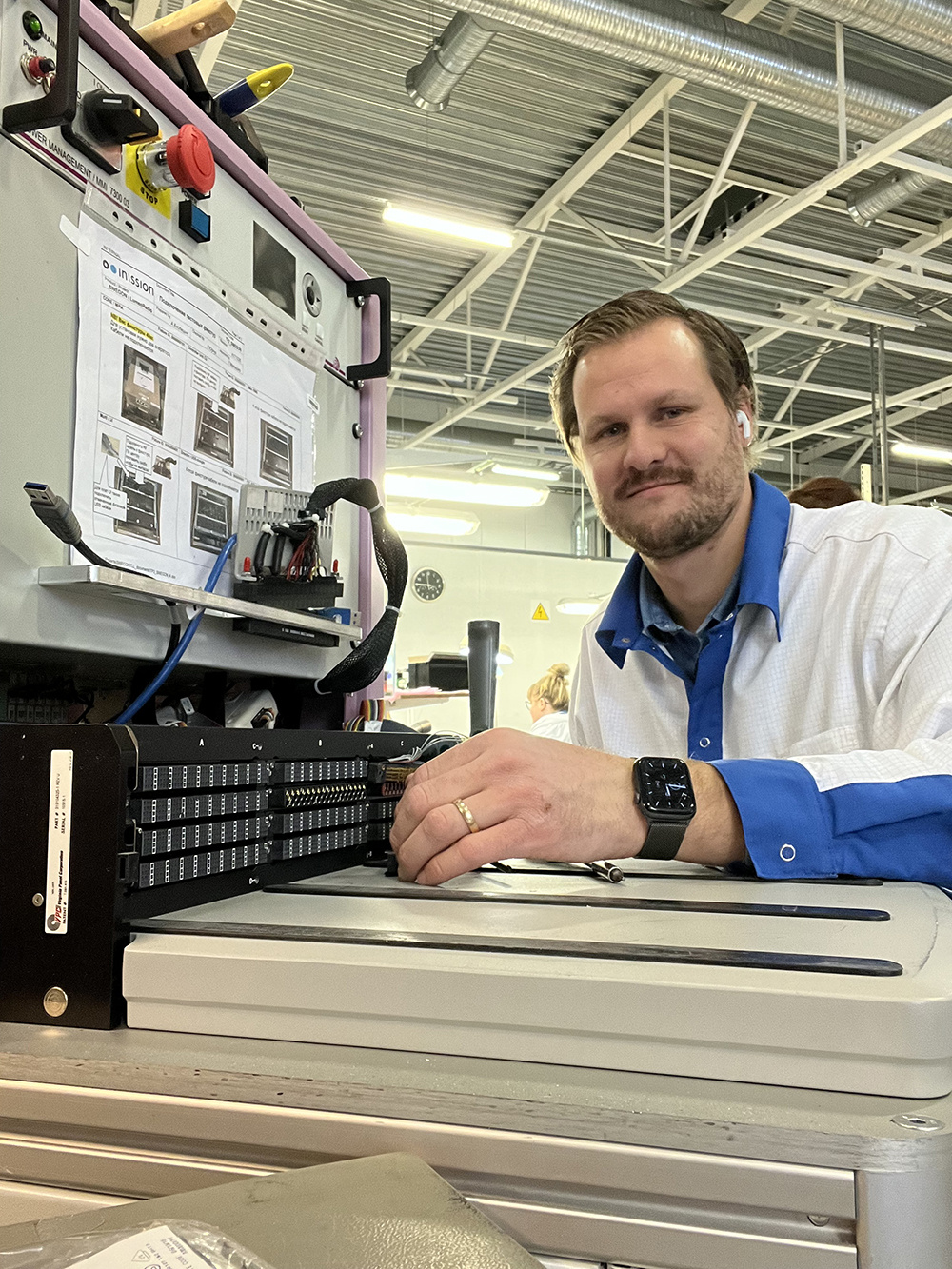
Introducing a new product to the platform requires some understanding of how the platform operates, but it is not complicated. For a similar product with perhaps fewer measurements or different requirements, the easiest approach is to copy files from the existing product. What needs to be copied is a structure with configuration files for that specific product and the sequence itself, in XML or Python. Then the files need to be edited with new names, paths, and the intended modifications in the sequence.
QATS has an object-oriented plugin architecture. This means that all equipment, such as instruments in a test station, is loosely coupled to the platform itself. If there are LabVIEW drivers for two different models of the same type of instrument in your test program, you simply point to the specific driver used on each station in the configuration files. You do not need to change the code to handle such equipment differences between individual test stations.
Yes. QATS has functions for triggering label printing.
QATS runs in LabVIEW, which in its basic form does not require a license. However, some optional LabVIEW components may require a license. For example, advanced image analysis in your test program may require paid components.
QATS always saves a test report locally on the computer in XML format. This report can be stored in a database. You can also build a plugin that automatically posts reports to your database. If QRM (Quality Result Management), our tool for handling result data is used on the test station, test reports will always be automatically stored in that database.
Test reports are always stored locally. If QRM is used, reports are buffered locally, and once the internet connection is restored, all reports are automatically uploaded to QRM.